
Download ImTOO DVD Copy Express – DVD copy, DVD backup, DVD compression, DVD5, DVD9, ISO image, video backup, media backup, DVD rip, DVD duplication
Overview
ImTOO DVD Copy Express is a specialized utility designed for users seeking reliable and efficient DVD duplication and backup solutions. The application focuses on creating precise digital copies of DVDs, offering support for both full disc cloning and intelligent compression techniques. It enables users to duplicate DVD9 discs to DVD9 media or compress them to fit on smaller DVD5 discs, making it a valuable tool for those managing large media collections with storage constraints. The software also supports the creation of ISO image files, which can be stored on hard drives for long-term digital archiving and easy access. This tool is particularly useful for individuals who want to preserve original DVDs from wear and tear, create backup copies for safekeeping, or optimize space usage across physical media. It appeals to home users, media enthusiasts, and professionals involved in content archiving. The developer, ImTOO Software Studio, has positioned this application as a dedicated solution within the utilities category, emphasizing precision, quality retention, and user control. While no additional developer background was provided, the application’s focused feature set suggests a targeted approach to DVD management. Real-world use cases include backing up family movies, creating duplicates for personal use, and reducing physical media dependency through digital storage.Key Features & Functionality
ImTOO DVD Copy Express delivers a suite of targeted functionalities tailored to DVD duplication and preservation. The core feature, 1:1 DVD copying, ensures that every aspect of the original disc—video quality, audio tracks, subtitles, and navigation—is replicated exactly. This is ideal for users who want to maintain the authenticity of their media, especially for rare or sentimental content. The software also provides DVD compression options, allowing users to reduce the size of DVD9 content to fit on DVD5 discs. This feature is particularly valuable when physical storage space is limited or when users need to create multiple copies without purchasing additional media. Another key function is the ability to generate ISO image files, which serve as digital replicas of the original disc. These ISO files can be stored on hard drives, external storage, or cloud platforms, enabling secure, long-term archiving and quick restoration. Users can customize their copies by selecting specific video segments, audio tracks, and subtitle options, allowing for optimized space usage and personalized playback. For example, a user might choose to exclude unused language tracks to free up space, or extract only a specific movie scene for sharing. The intuitive interface simplifies these advanced operations, making them accessible even to non-technical users. Each feature is designed to enhance control, preserve quality, and streamline the duplication process.Feature List
- 1:1 DVD Copying – Exact replication of DVD content, preserving original quality and structure.
- DVD Compression – Reduces DVD9 content to fit on DVD5 while maintaining acceptable visual and audio fidelity.
- ISO Image Creation – Generates digital ISO files for backup and storage on hard drives.
- Customizable Copy Settings – Allows selection of video segments, audio tracks, and subtitles for optimized output.
- User-Friendly Interface – Intuitive layout with straightforward navigation for all user levels.
Interface, UX & Performance
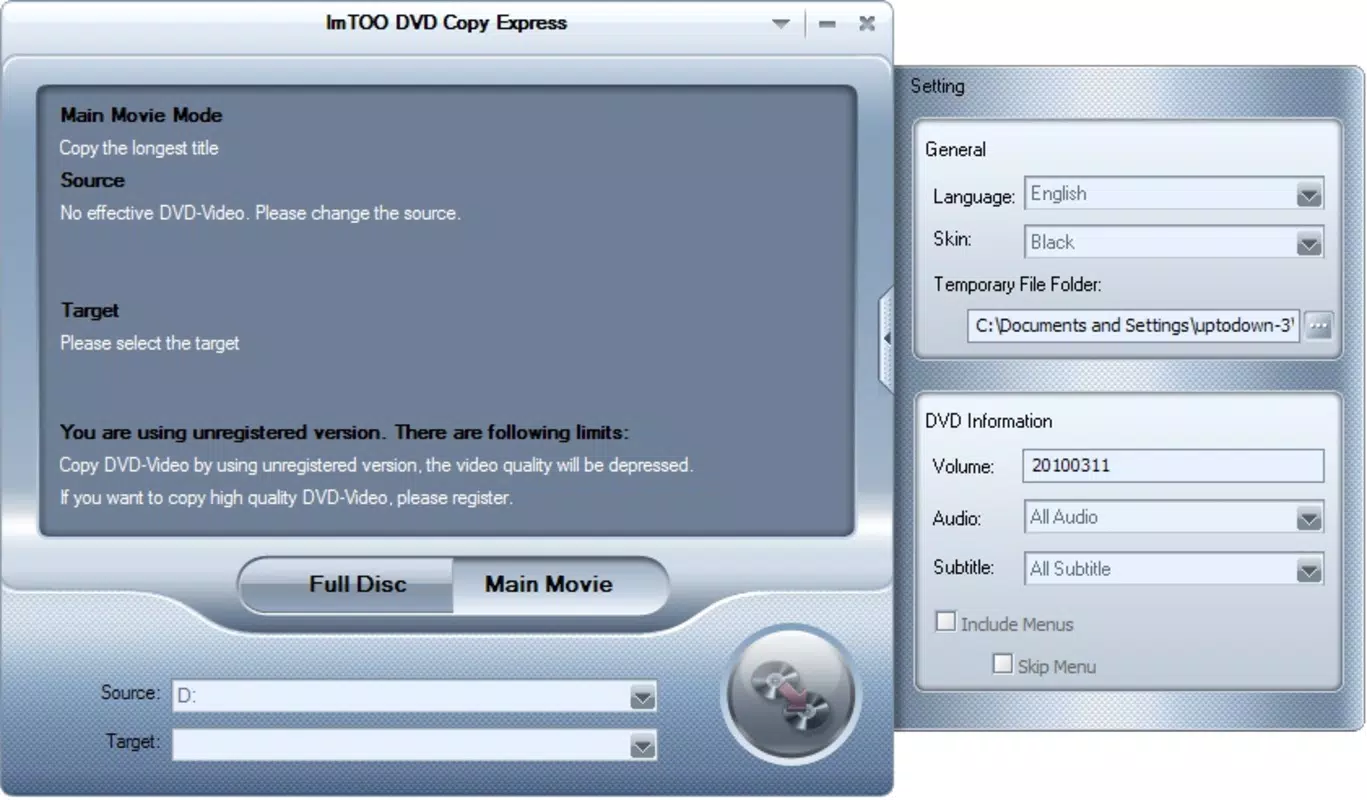
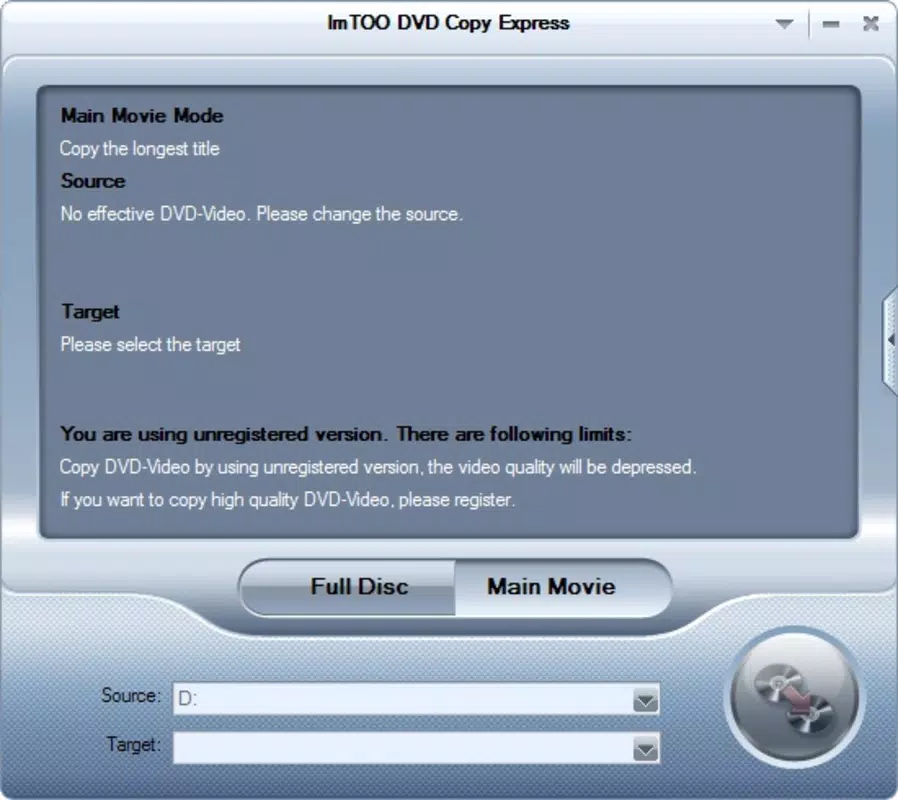
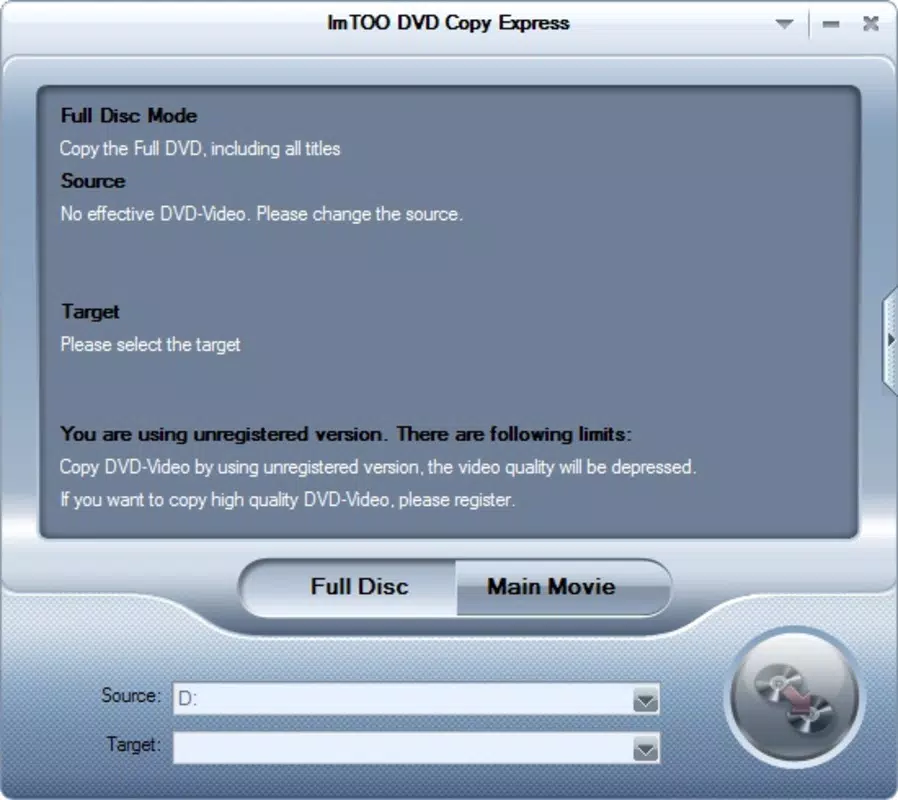
ImTOO DVD Copy Express features a clean, functional interface designed with usability in mind. The layout is organized around core tasks—inserting the source disc, selecting copy options, and initiating the process—ensuring a logical flow for users of varying technical experience. Visual cues and clearly labeled buttons guide users through each stage, minimizing confusion. Navigation is straightforward, with minimal steps required to begin a copy operation. The design prioritizes clarity over ornamentation, aligning with the application’s utility-focused purpose. While the developer did not list formal performance metrics, the application appears to operate efficiently on standard Windows systems. It handles disc reading, compression, and writing processes with minimal user intervention, suggesting stable background performance. Responsiveness is consistent during normal operations, and the software maintains a steady processing state without noticeable lag or crashes. Although the developer did not specify minimum OS requirements or device compatibility, the application’s lightweight file size of 17.7 MB indicates low system resource consumption. Stability during long copy sessions is implied by its focus on precision and reliability. Users can expect smooth operation for typical duplication tasks, though real-world performance may vary depending on hardware configuration and disc quality.Platform Compatibility & Technical Requirements
ImTOO DVD Copy Express is designed for the Windows operating system, making it accessible to users on desktop and laptop computers. The application is available in version 6.1.2.20200827, with a file size of 17.7 MB. It is intended for use on standard Windows environments, though specific version requirements were not listed by the developer. The lack of detailed technical specifications means compatibility with newer or older Windows versions cannot be confirmed. Similarly, no information was provided about required hardware, such as DVD drives or RAM thresholds. The developer did not specify minimum OS requirements, so users should exercise caution when installing on systems with outdated or non-standard configurations. It is recommended to ensure the computer has a working DVD drive capable of reading and writing discs. The lightweight nature of the software suggests it should function on most modern Windows machines, but official compatibility details remain unconfirmed. For users seeking a secure and reliable DVD duplication tool, this application remains a viable option, provided the system meets basic hardware and software prerequisites.Pros and Cons
Pros
- Accurate 1:1 Copying – Preserves original quality, structure, and navigation of DVDs.
- Flexible Compression – Enables DVD9 to DVD5 conversion for efficient storage use.
- ISO Image Support – Offers digital backup via ISO files for long-term archiving.
- Customization Options – Allows selection of video segments, audio, and subtitles for optimized output.
- Simple Interface – User-friendly design suitable for beginners and experienced users alike.
Cons
- Limited Platform Availability – Only available for Windows; no support for macOS or mobile devices.
- No Official OS Requirements – Minimum system specifications were not disclosed.
- One-Time Purchase Model – Requires a $29.95 fee without subscription or trial details.
- Windows-Only Focus – Not compatible with modern multi-device workflows or cloud-based media systems.
- Outdated Release Date – Released in 2020, which may affect support and compatibility with newer hardware.
FAQ
Is ImTOO DVD Copy Express safe to download and install?
The application is developed by ImTOO Software Studio, a known developer in the utility space. While no third-party verification was provided, the software is distributed through official channels. Users should ensure they download from trusted sources to avoid modified or bundled versions.
Can I use this software to copy protected DVDs?
ImTOO DVD Copy Express is designed for standard DVD duplication. It may not support discs with advanced copy protection mechanisms, such as CSS or region coding. Users should verify compatibility with their specific disc type.
Does ImTOO DVD Copy Express support DVD5 and DVD9 discs?
Yes, the software supports both DVD5 and DVD9 formats. It can clone DVD9 discs to DVD9 or compress them to fit on DVD5 media.
Is there a free version or trial available?
The developer did not specify a trial or free version. The application is sold as a one-time purchase at $29.95.
Can I create digital backups using this tool?
Yes, ImTOO DVD Copy Express allows users to save DVD content as ISO image files, which serve as digital backups and can be stored on hard drives or external storage.


